
Pin Module
Step 4 - Open the 'Pin Manager' and then click on the PORTA pin 7 (RA7) output row, blue lock symbol. It should turn green. This adds this RA7 I/O pin to the project which is connected to the D5 LED of the HPC Curiosity Board.

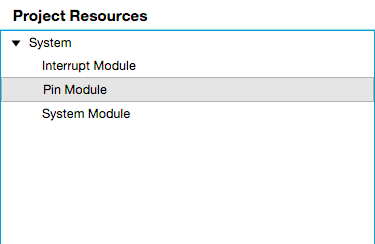
Step 5 - Open the Pin Module under Project Resources.
The center screen should show RA7 listed on the I/O chart. Click on the Output box to make the pin an output (if not checked) and make sure Analog and WPU are not checked (click on them to uncheck them).
Change the pin name to D5_LED to make it easier to understand in the code.
