
Procedure
1. Attach the debugger to the Wi-Fire board as shown. Power up the board. Connect debugger to your PC.

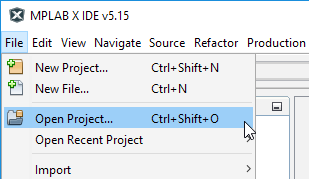
2. Start MPLAB X. Click Open Project...
3. Un-comment either line 168 or line 169 in main.c (executing line 168 will trigger a "write to illegal address" exception while executing line 169 will trigger a "divide-by-zero trap" exception):

4. Build/Debug the project.

5. Run the project.
6. Pause the project.
The results will be highlighted on the next page!