Building a Project
Click on the Build icon  to build the project. If there are no errors, the Output window will show "BUILD SUCCESSFUL".
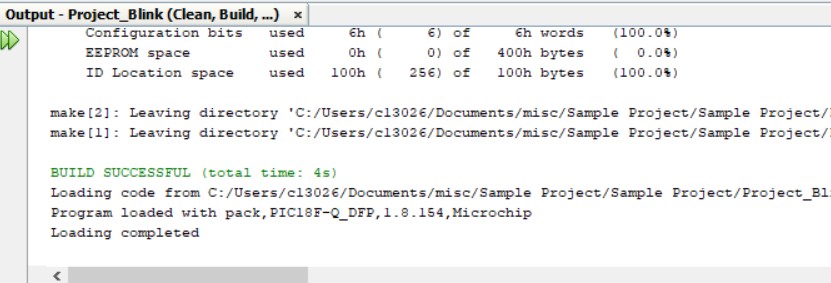
If you have syntax errors in your code, the build process will fail. The output window will describe the error and provide the filename and line number on which the error occurred. Clicking on the error message will take you to the offending line of code. Because one error may produce other false errors later in the build process, you should always correct the first error found (you will probably have to scroll up in the window to do this).
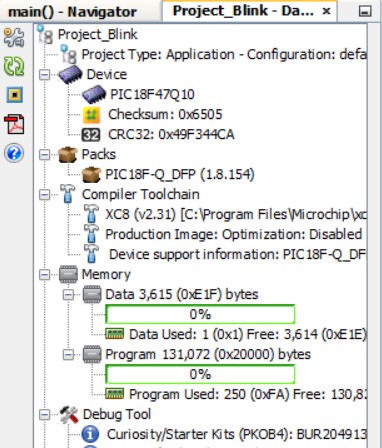
Note the Dashboard window will display the amount of MCU memory (data and program) your project is using.