
Opening a Project
|
Download this example project if you would like to use your own installation of MPLAB® X IDE to follow along in this lesson. |
Download the Project |
At the top left corner, click File > Open Project… (or Ctrl+Shift+O).

Alternatively, you can click on the Open Project icon.
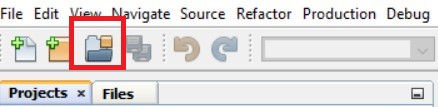
The Open Project window appears. Browse to the project location of the file. In this example, the project was saved in the "Sample Project" folder as Project_Blink.X. Select the project, then click on Open Project.

The project is opened at the top left under the 'Projects' tab.
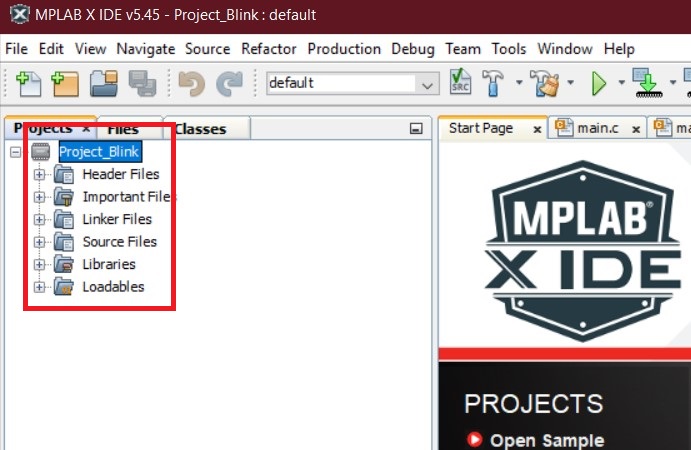
The project contains all the software files used to create the application that will be programmed into the MCU device. The next step is to review the project properties.